Variables
Variables are named values you can reference across any Flows flow you build. They’re a simple way to avoid hard-coding the same string in ten places and to centralise configuration you might want to change later.
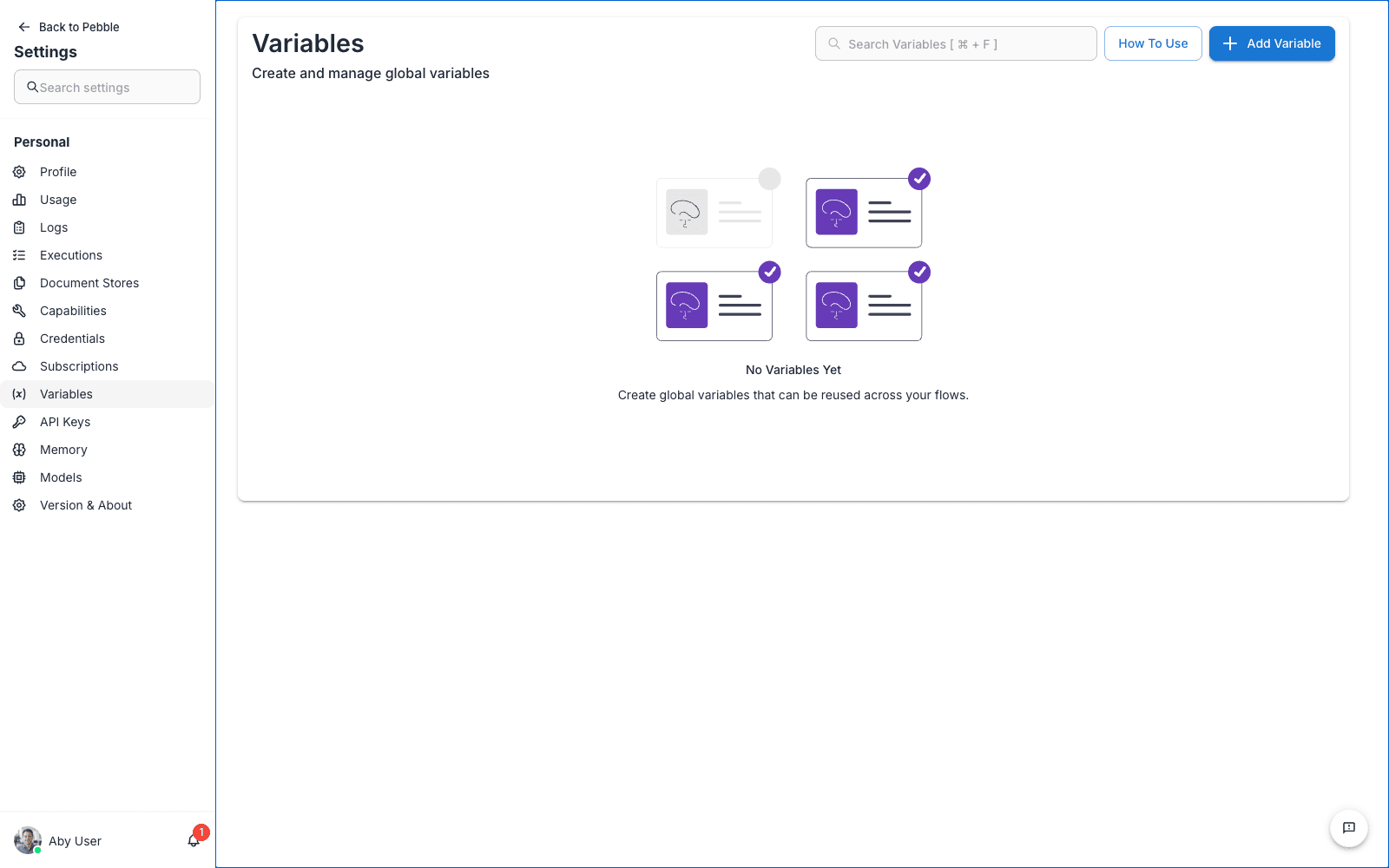
What a variable looks like
A variable has:
- Name — how you reference it inside a flow (e.g.
COMPANY_NAME) - Value — the current string value
- Type — either Static (a plain string) or Runtime (a value resolved from an environment variable at execution time)
When to use a variable
- Repeated strings — A company name, a support email, a default greeting that appears in several chatflows
- Environment-specific values — Different URLs or IDs for dev, staging, and production
- Things that might change — A price, a cut-off date, a default model name
- Non-sensitive configuration — Anything you’d otherwise hard-code in a prompt
When not to use a variable
- Secrets — API keys, tokens, passwords. Use Credentials instead. Variable values are visible to anyone with edit access.
- Per-user data — Variables are global, not per-user. If you need different values for different users, pass the value in via the chat session context instead.
Creating a variable
- Click Add Variable in the top-right
- Enter a name — use
UPPER_SNAKE_CASEby convention so{{variables}}stand out in prompts - Enter a value
- Choose a type (Static or Runtime)
- Save
Referencing a variable in a flow
Inside a Flows chatflow or agentflow, reference a variable with {{$vars.NAME}} syntax. For example, if you have a variable named SUPPORT_EMAIL with value support@example.com, you can use it in a prompt template:
If the user has an unresolved issue, tell them to contact {{$vars.SUPPORT_EMAIL}}.Variables are resolved at flow execution time, not at build time, so changing a variable’s value propagates to every flow that uses it on the next run.
Static vs Runtime
- Static variables store the value inside the PebbleAI database. Fine for most use cases.
- Runtime variables are resolved from an environment variable at execution time. Useful when you need the value to come from the deployment environment rather than the UI.
Editing and deleting
Click a variable row to edit its name, value, or type. Click the delete icon to remove it. Flows that reference a deleted variable will fail at runtime. Search across your flows before deleting.
Scope
Variables are stored at the user level in this page, but in Flows they can also exist at workspace and organisation level. Ordering of resolution: your personal variables take precedence, then workspace, then organisation. For shared values the team needs, it’s better to ask an admin to create them at the organisation level.